

We design, build, and operate the workflows, AI agents, and Voice AI that carry real production load. Connected to the systems you already use, with monitoring and documentation from the first release.
- 500k+
- automation runs in production
- 144+
- workflows shipped for clients
- 40+ hrs
- saved per client, every month
- 90%
- of inbound inquiries handled by Voice AI
Built on the platforms your team already runs
- n8n
- Make
- Zapier
- OpenAI
- Retell AI
- Twilio
- HubSpot
- GoHighLevel
- Unity
See it run
Three real workflows, start to finish
Scroll to run systems we built for clients in sales, healthcare, and real estate. Each one works on its own, with people stepping in only where judgment is needed.
- 00:00.4webhook.receivedform: demo-request
- 00:01.2agent.enrichfit score 86 / 100
- 00:08.9voice.callqualified, budget confirmed
- 00:09.6crm.upsertdeal created in HubSpot
- 00:09.8calendar.bookThu 10:30, invite sent
Capture
Every signal, caught
Forms, calls, emails, and chats land in one queue within seconds and are validated before anything downstream runs.
Every channel, one intake
Webhooks, inboxes, phone lines, and chat widgets feed the same queue.
Checked on arrival
Schema checks reject bad data at the door, not three steps later.
Decide
AI does the judgment work
Agents enrich, score, and qualify each lead against your rules. When confidence is low, a person gets it with the full context attached.
Enriched and scored
Company data, intent, and fit are added before anyone looks at it.
People where it counts
Low-confidence decisions route to your team automatically.
Deliver
Results you can trace
The CRM updates, the meeting is booked, and every step is logged, so you can see what ran and why.
Booked, not just logged
CRM and calendar update together, with a confirmation sent.
Failures raise their hand
Retries run first; if a step still fails, your team is alerted.
Workflow 2 of 3Clinical trials
Patients called, screened, and matched to a doctor in minutes
Read the case study- 00:00.3lead.receivedmeta form: trial interest
- 00:07.6voice.dialRetell AI via Twilio
- 03:41.2screen.completehistory + ZIP captured
- 03:41.9trials.matcheligible studies found
- 03:42.5calendar.bookdoctor and patient notified
Capture
A call before the lead goes cold
The moment a patient submits a Facebook or Instagram form, a webhook starts the workflow and the voice agent dials.
Straight from Meta Lead Ads
Form data lands in Google Sheets and triggers n8n instantly.
Seconds, not hours
Lead-to-call time dropped from 1–2 hours to under 10 seconds.
Screen
Screened on the call
The agent collects symptoms, treatment and surgical history, and ZIP code, then matches the patient to eligible trials from clinicaltrials.gov data.
The same questions, every call
Structured screening means no missing eligibility details.
Live transfer or callback
If a doctor is free the call transfers; if not, a callback is booked.
Deliver
Both sides notified
Doctor and patient get the appointment by email and SMS, and every call is visible on the doctor dashboard.
No manual coordination
Scheduling between patients and doctors runs on its own.
One dashboard
Patient data and call history in one place for the care team.
Workflow 3 of 3Real estate
Showing emails turned into a live dashboard, with buyer feedback
Read the case study- 00:00.5outlook.filtercategory: showings
- 00:01.1parse.extractlisting ID, agent, status
- 00:01.4sheet.upsertdashboard row updated
- +2hsms.sendfeedback request to buyer
- +2h 14msheet.updatebuyer feedback stored
Capture
Every showing email, caught
Outlook filters incoming property emails by category, so only showing updates enter the workflow.
100–150 emails a month
Handled without anyone opening them.
4–5 minutes back per email
The manual copy-paste step is gone entirely.
Structure
Parsed into clean records
Listing ID, property name, agent details, and status are extracted and written to a live showings dashboard.
The same fields, every time
Every showing is recorded in one consistent format.
Real-time visibility
Agents see each showing as soon as it is confirmed.
Deliver
Feedback without chasing
After each showing, the buyer gets an SMS asking for feedback, and the reply lands in the same tracker.
Sent automatically
Twilio sends the request after every showing.
Filed with the listing
Feedback sits next to the showing it belongs to.
- 00:00.4webhook.receivedform: demo-request
- 00:01.2agent.enrichfit score 86 / 100
- 00:08.9voice.callqualified, budget confirmed
- 00:09.6crm.upsertdeal created in HubSpot
- 00:09.8calendar.bookThu 10:30, invite sent
What we do
Services for every part of your operations
Automation, AI agents, and integrations that work together as one system, plus a games studio and products we run ourselves. Start with one workflow and grow from there.
n8n · Make · Zapier
Workflow automation
n8n, Make, and Zapier workflows that replace the copy-paste work across your tools. Built with queues, retries, and monitoring so they hold up at volume.
Explore automationRetell AI · Twilio · OpenAI
AI and Voice AI agents
Agents that call, chat, qualify, and book inside guardrails. When they are unsure, they hand off to a person with the whole conversation attached.
Explore AI agentsHubSpot · GoHighLevel · Supabase
API and data integrations
CRMs, databases, and messaging tools connected so data moves once and stays correct. Airtable, Supabase, HubSpot, GoHighLevel, webhooks, and custom APIs.
Explore integrationsUnity · iOS · Android · Web
Game development
Unity games for iOS, Android, and the browser, from concept and prototype through global launch and live operations. Your IP, or ours.
Explore gamesNext.js · React
Web platforms and products
We build and run our own public products, so the systems we sell are the systems we operate every day.
Explore platformsNot sure where to start?
Tell us the workflow. We will map the first build.
A short call with an engineer. You leave with a scoped pilot, a timeline, and the tools it needs.
Book a scoping call
Results
Measured before and after, on real client work
- <10 sfrom form to call
- Before
- 1–2 hours
- After
- under 10 seconds
- 93%less monthly workload
- Before
- 300+ hours
- After
- under 20 hours
- <10 minper proposal
- Before
- 3–5 hours
- After
- under 10 minutes
- 95%less time per record
- Before
- 2–3 minutes
- After
- 8–10 seconds
- 75%less time per post
- Before
- 40–45 minutes
- After
- about 10 minutes
- 0 minof manual work per email
- Before
- 4–5 minutes
- After
- fully automated
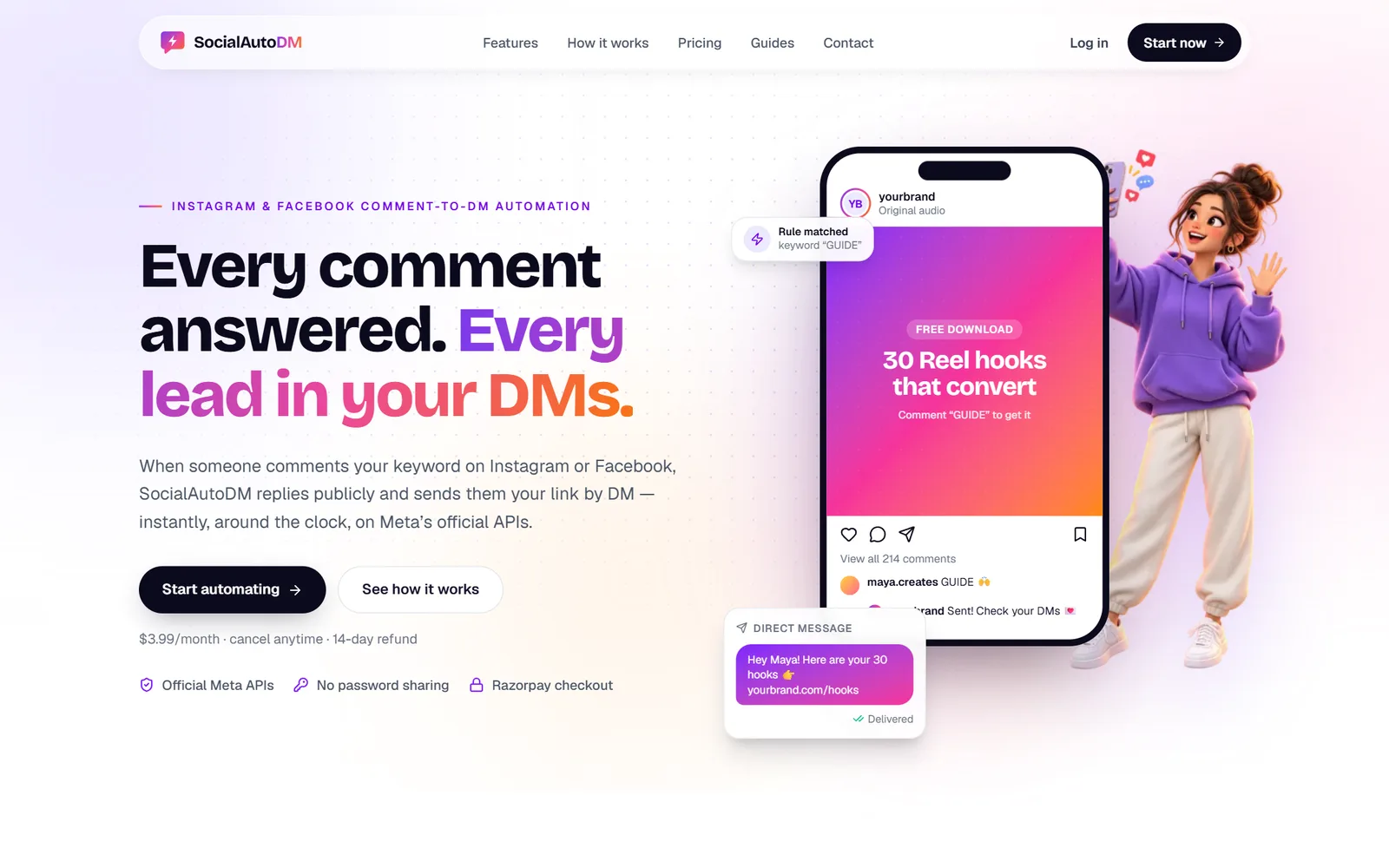
Our platforms
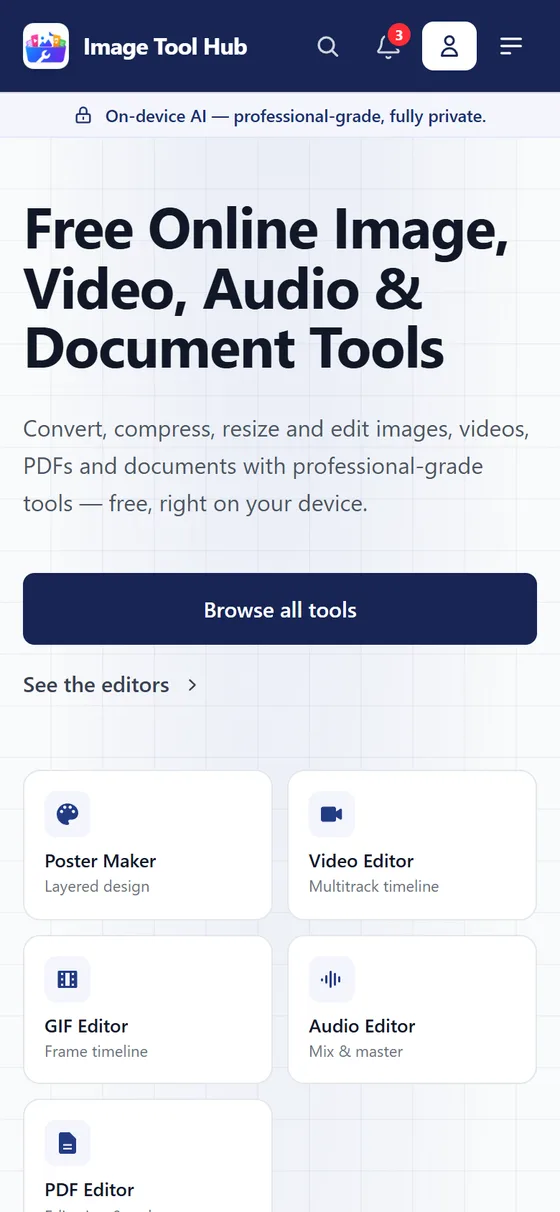
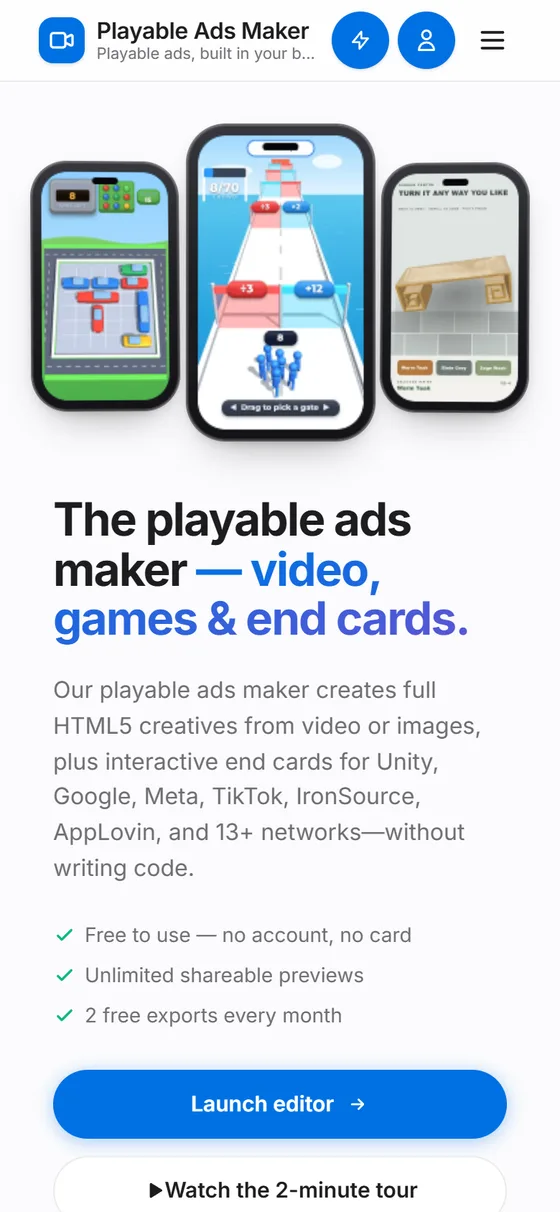
Five live products, built and run by our team
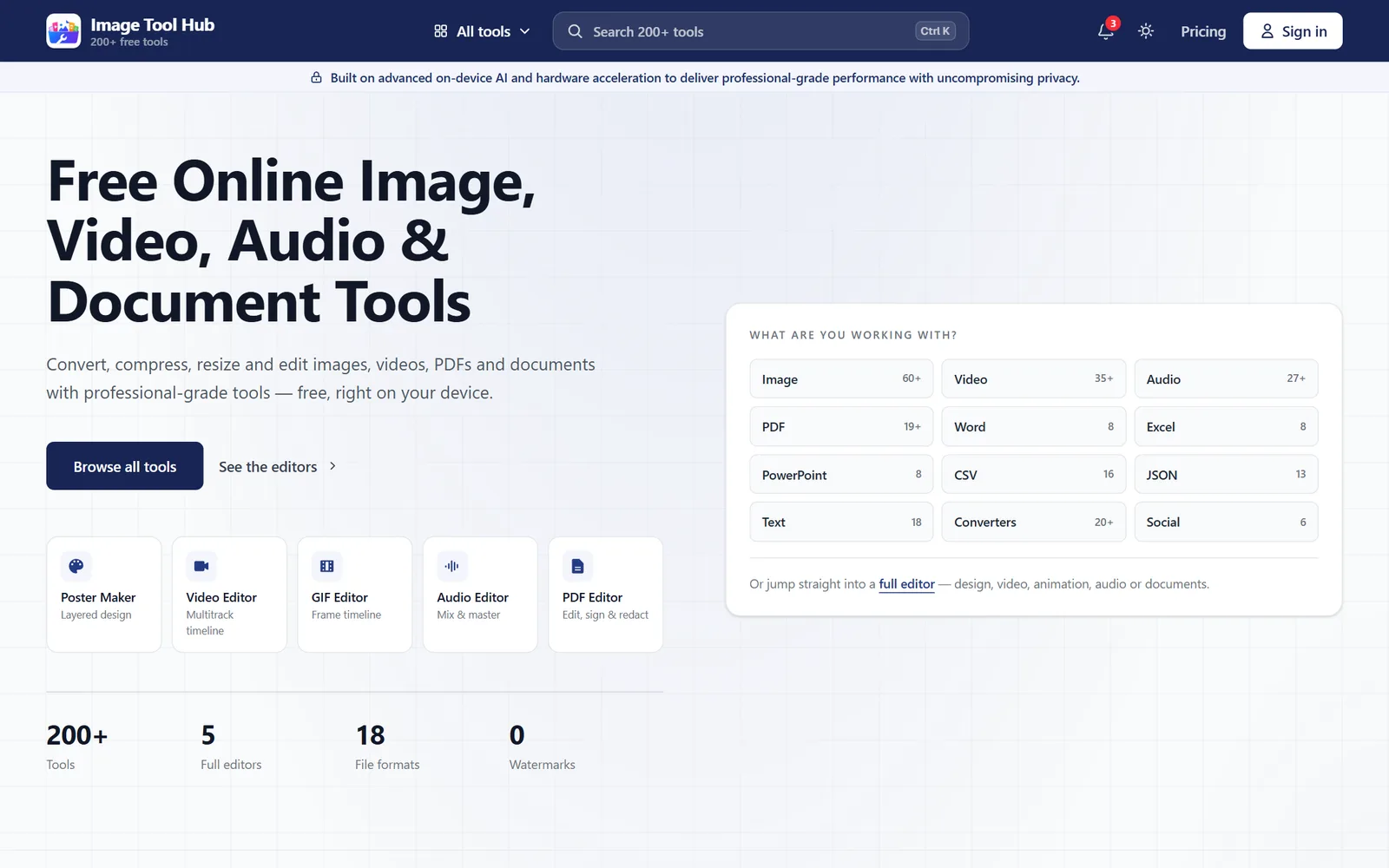
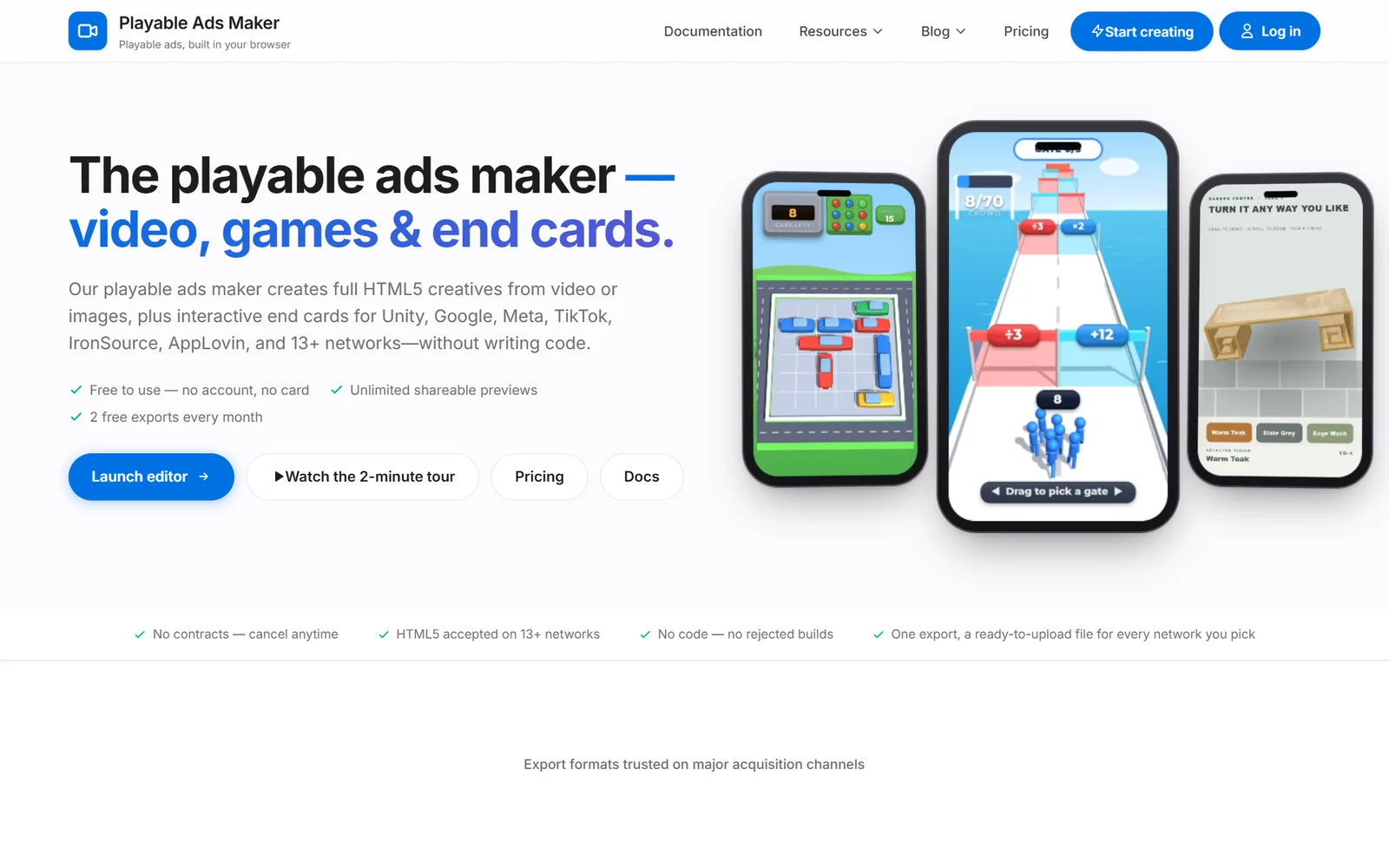
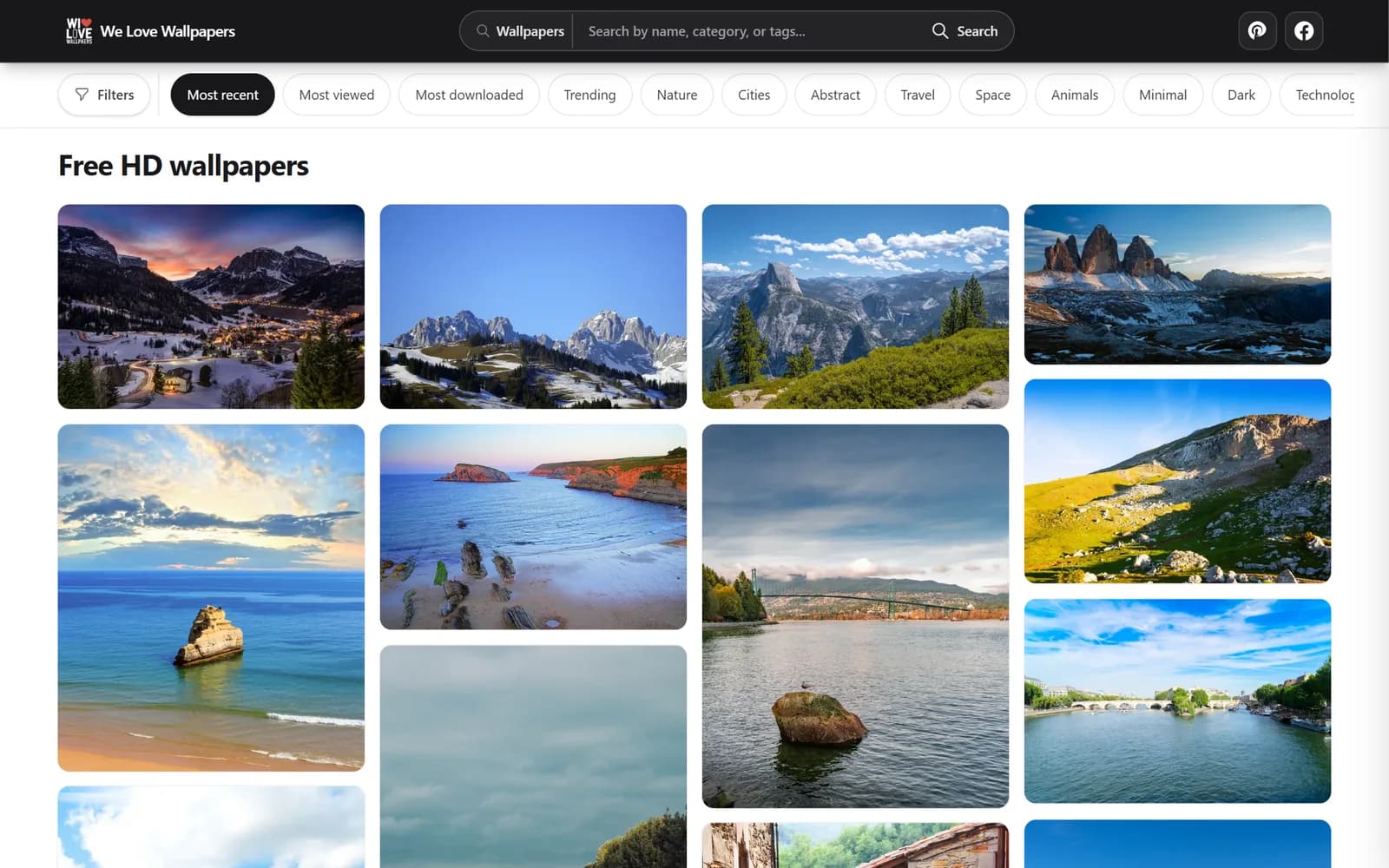
Games, creator tools, ad tech, and social automation, used by real audiences. The same engineers build your systems.
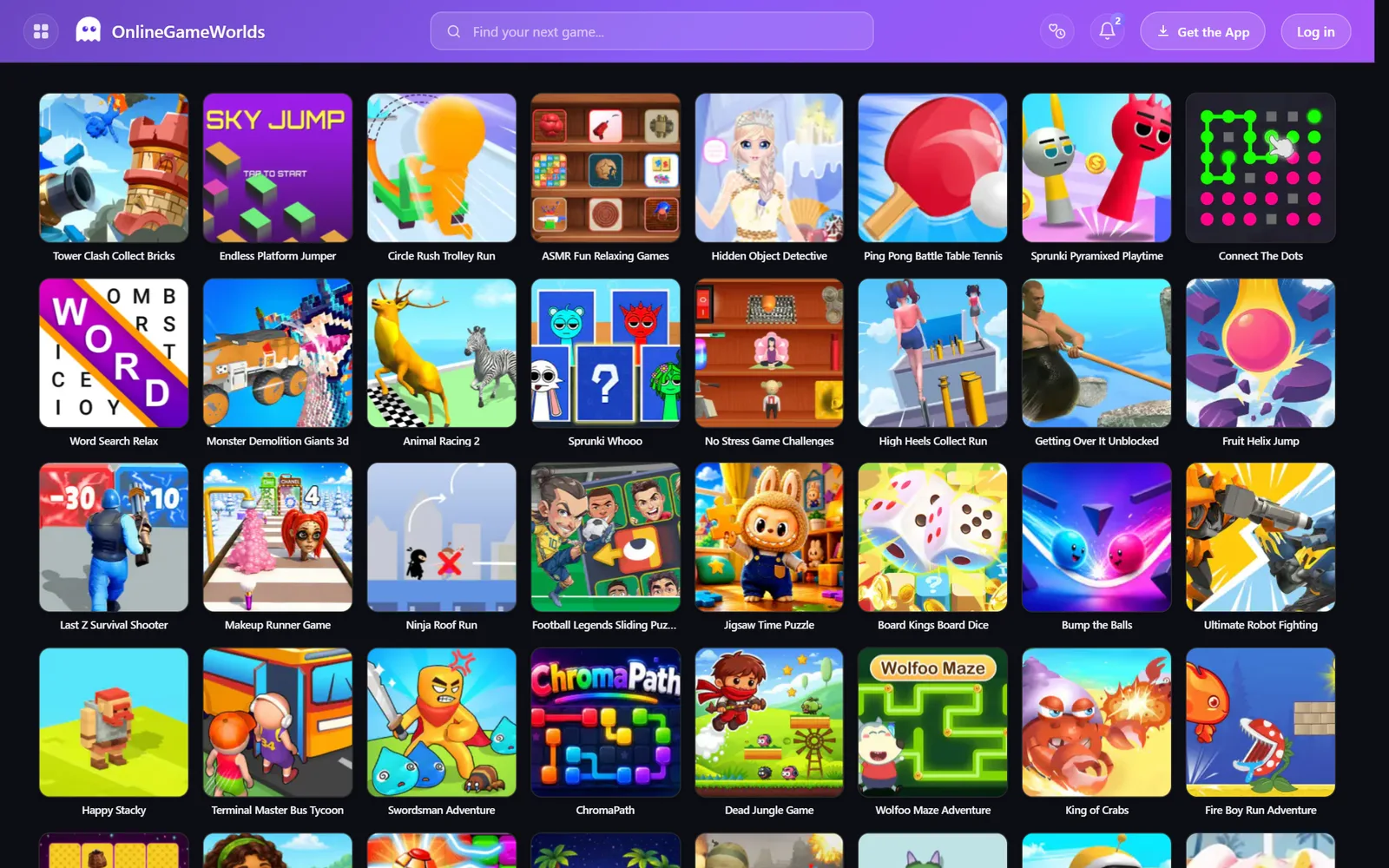
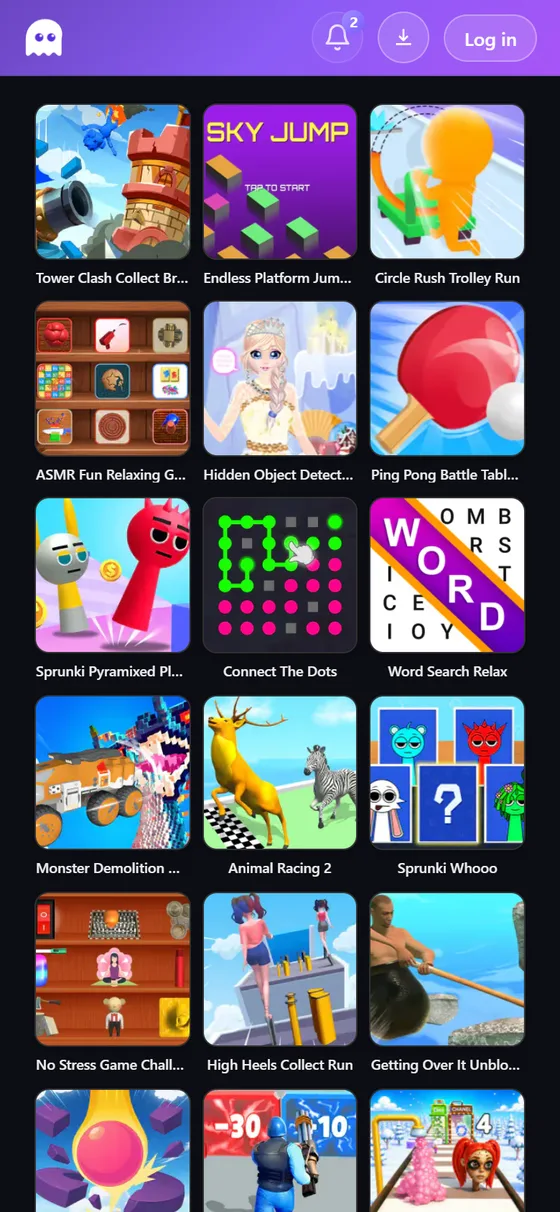
Online Game Worlds
Free online games—puzzle, arcade, simulation, and word titles you can play in the browser without installs.
- Audience
- Casual browser gamers
- Platform
- Web + iOS
- Highlight
- Instant play, no install
Built on the tools you already run
We build in n8n, Make, Zapier, and plain code, connected to your CRM, inbox, and database. You own the logic. We ship it with retries, alerts, and a runbook, so it keeps working after handover.
Explore our servicesWhat you get with every build
- Architecture and integration mapIncluded
- Retry and fallback policyIncluded
- Alerts to your channelIncluded
- RunbookIncluded
- Monitoring checklistIncluded
Games, from concept to live operations
A Unity studio and publisher for iOS, Android, and the browser. We build titles for studios under their own IP and for our own portfolio, and every one moves through the same seven gated stages.
- 01Concept
- 02Prototype
- 03Vertical slice
- 04Production
- 05Soft launch
- 06Global launch
- 07Live ops

What clients say
“If you’re running an agency or a service business and you need someone who can own the automation layer of your operation independently, Autosphere Labs team is the hire.”

“Autosphere Labs team delivered exceptional work on a complex, multi-system automation project. They quickly understood the requirements, communicated clearly throughout the build, and executed every task with precision.”

“It was perfect: Autosphere Labs team was proactive and convinced me to work with them. Then we had our kick-off call and everything was completed on time. They even answered our questions afterward. Thank you for everything.”

FAQ
Questions teams ask before they start
Anything else, ask an engineer directly.
Talk to the engineers who build it
Send the workflow you want to automate and we will map the first build with you.
- Pilot length
- 2–4 weeks
- Built on
- n8n · Make · Zapier · APIs
Do you build with n8n, Make, and Zapier - or only one platform?
We use the right tool for the job. Many teams start in n8n or Make and expand with Zapier for quick connectors. We also build custom API nodes when reliability matters.
How do you keep AI agents safe and useful?
We add guardrails: structured prompting, knowledge retrieval, policy checks, and logging. When the agent cannot answer confidently, it escalates with full context.
Can you own the automation layer after launch?
Yes. For stable operations we provide monitoring, runbooks, and change-safe updates. You get clear ownership so your team can move faster without surprises.
Can you help with game development and live operations?
Yes. We ship Unity client builds, then connect gameplay events to analytics so live ops stays stable.
What does a first pilot look like?
Typically 2-4 weeks. We map your workflow and success metrics, build a working automation/agent or game integration, connect the required systems, add monitoring, and measure results before scaling.
Do you support multi-system integrations (CRM, messaging, forms)?
Absolutely. We design reliable handoffs across your stack (CRM, messaging, forms, spreadsheets, databases, and webhooks) and validate edge cases early to prevent costly rework.
Start a pilot
One workflow, live in production in four weeks
If it does not earn its place, you have spent a month, not a year and a platform migration.
Week 1
Map
We walk the workflow with your team and pick the slice worth automating first.
Week 2
Build
Built against your real systems and data, not a sandbox.
Week 3
Launch
Live behind monitoring, with retries tested against failure cases.
Week 4
Measure
We review what ran and what it saved, then decide together whether it scales.